


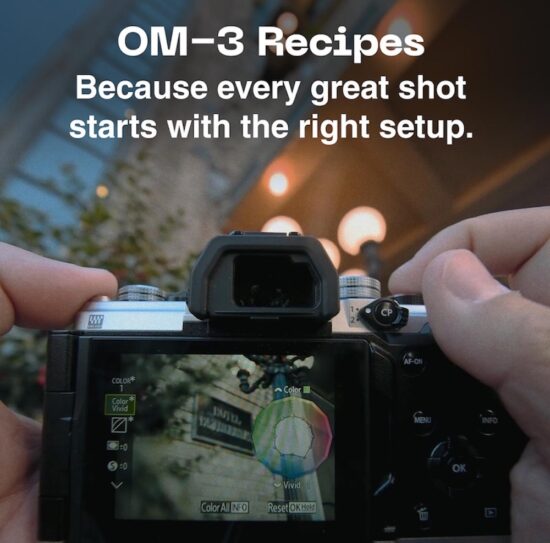
Launched in late 2025, the OM-3 Recipes Hub transforms the camera’s innovative Creative Dial into a vibrant community playground:
What Exactly Are OM-3 Creative Recipes?
The OM-3’s Creative Dial (that prominent top-plate dial labeled COLOR, MONO, ART, and CRT) lets you tweak everything from hue-specific saturation and contrast to sharpness, grain, curves, and virtual filters in real time. Recipes save these custom profiles so you can recall them instantly via the C1–C5 positions on the mode dial. Before the hub, you had to dial everything in manually. Now, the community does the heavy lifting.
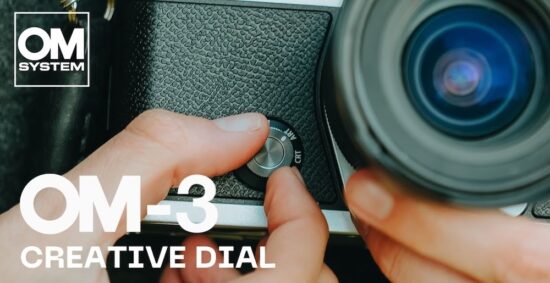
Head to the official Creative Recipes page and you’ll find a growing gallery of user-submitted profiles, each with:
- A catchy name
- Photographer credit + Instagram handle
- A short story behind the look
- A downloadable JPEG “recipe” file
- Sample images shot with that exact profile
How to load a recipe in under 5 minutes:
- Download the JPEG recipe file from the hub.
- Connect your OM-3 to a computer (USB-C, set camera to MTP mode).
- Open OM Workspace (free software).
- Go to Camera → Load Color/Monochrome Profile.
- Drag the JPEG into the window — it shows every setting before you confirm.
- Assign it to a C-slot on your mode dial.
You share your own recipe on this submission form.